Battle-Tested Patterns from a CRM Plugin Framework
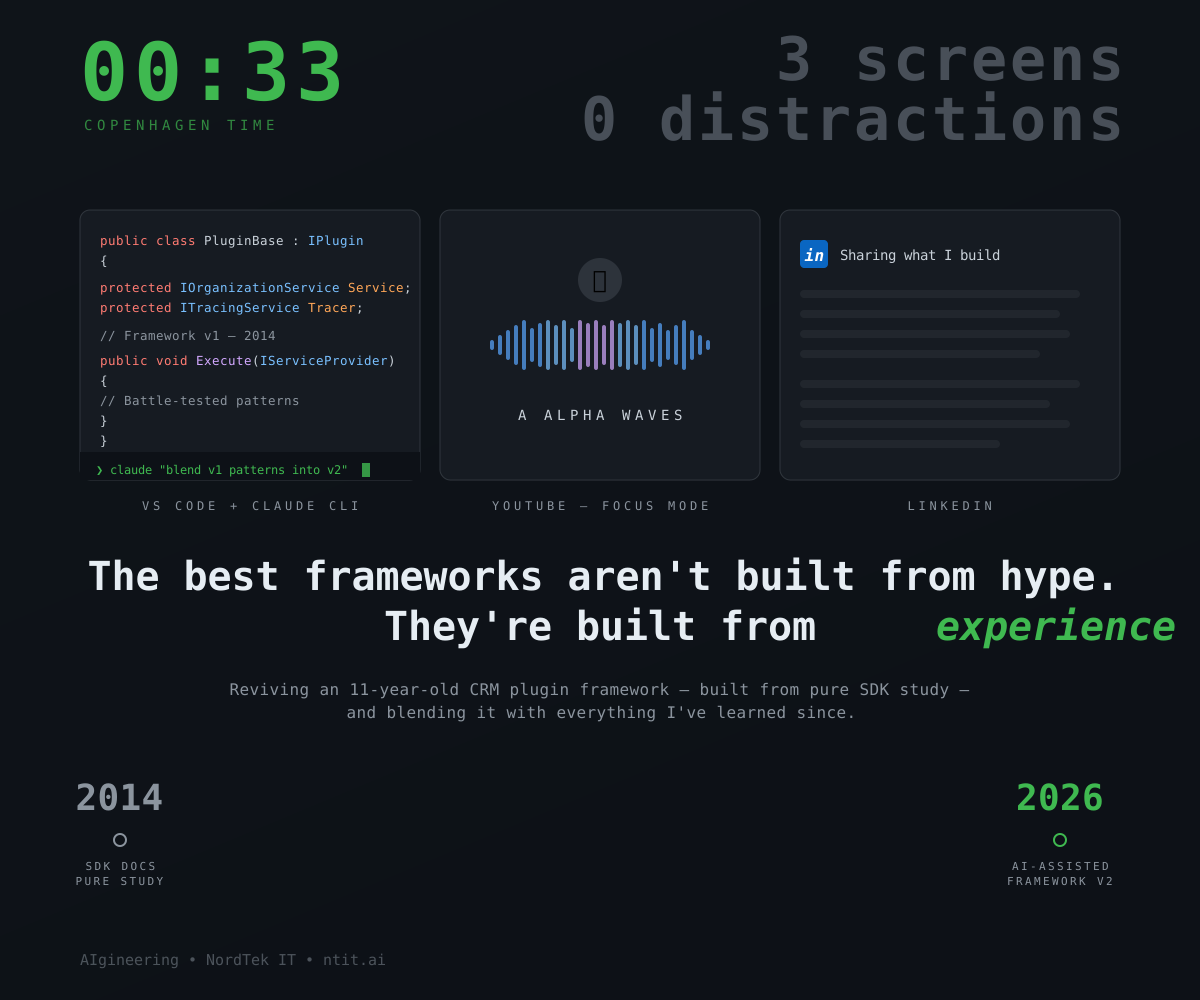
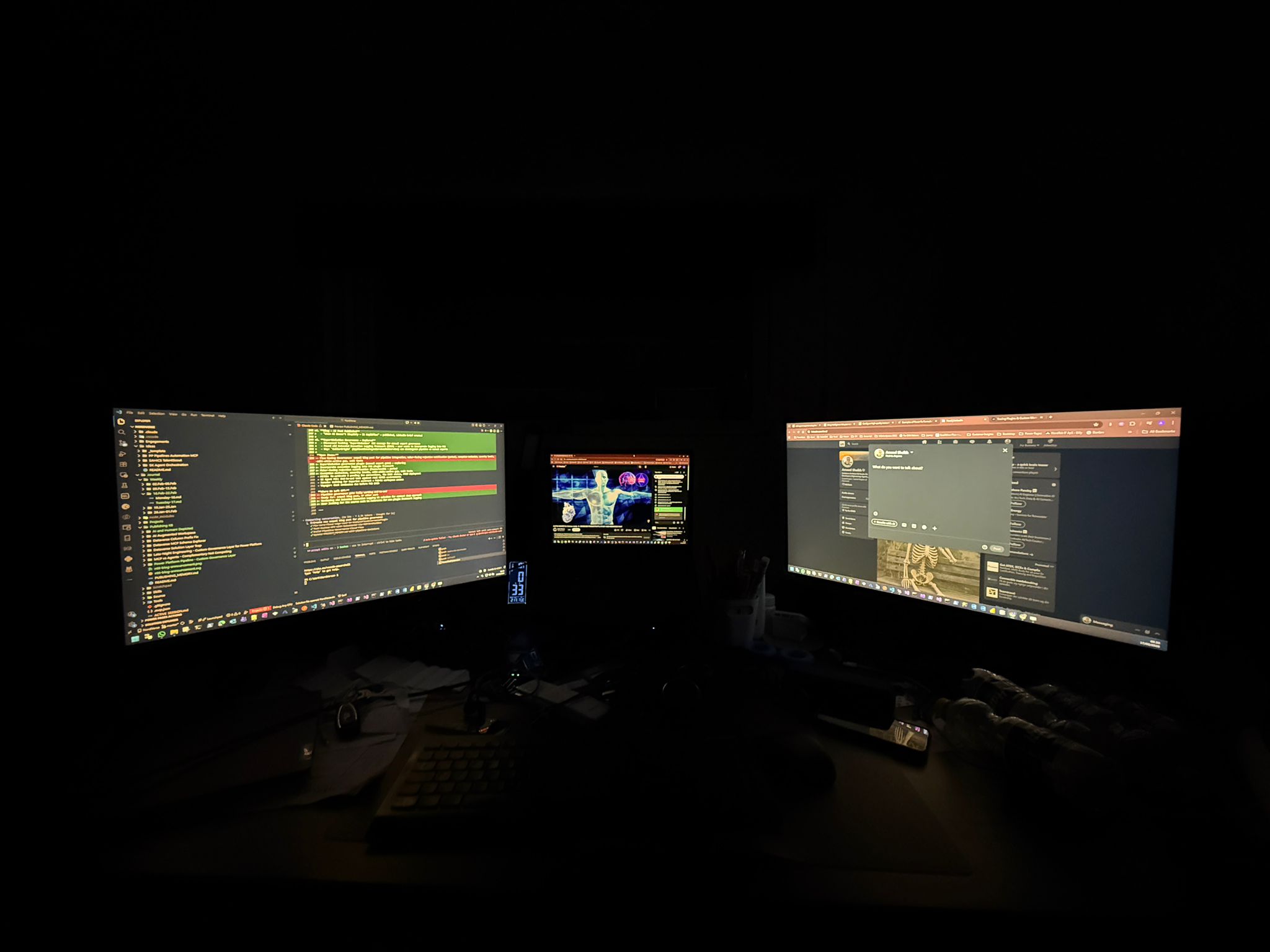
It’s 00:33 Copenhagen time. Three screens. Alpha waves through the speakers. Claude CLI in the terminal. And I’m doing something that feels almost archaeological — reviving a plugin framework I built 11 years ago.
The Original Framework — 2014
Back in 2014, I was deep in the Dynamics CRM 2013/2015 ecosystem. There was no AI, no Power Platform, no copilots. The SDK documentation was your only teacher. Stack Overflow was a luxury, not a given. Every pattern was earned through study, trial, and late nights.
I wanted to solve a problem that every CRM developer faced: understanding what the execution pipeline was actually doing. Which plugin triggered which plugin? Why did this execute in SYSTEM context? What does the full execution context look like at each stage?
So I studied every page of the SDK. Every extensibility point. Every interface. And I built a framework — Extended Execution Logging — that gave developers a window into the pipeline they’d never had before.
It worked. For years. In production. It helped us identify unexpected plugin chains, fix performance issues, and debug scenarios where remote debugging wasn’t an option.
What the SDK Taught Me
Building that framework wasn’t just about the output — it was about the process. When your only resource is the SDK documentation, you learn differently:
- You read the full interface, not just the method you need
- You understand why something is designed a certain way, not just how to call it
- You build mental models of the entire pipeline, not just your slice of it
- You learn to distinguish between what the platform guarantees and what merely happens to work
That kind of deep study produces patterns that outlast platform versions. Not because the API stayed the same — it didn’t — but because the architectural thinking transfers.
Patterns That Survived a Decade
Looking at the 2014 codebase today, some things are clearly dated — CRM 2013 idioms, Visual Studio 2012 project structure, .NET Framework 4.x constraints. But the core patterns? They held up:
Base class abstraction for plugins. The original PluginBase class handled service resolution, tracing setup, and execution context extraction — so every plugin started with clean dependencies already wired up. I use the exact same pattern today, just with modern C# syntax and NuGet packaging.
Context serialization. The framework could serialize the entire IPluginExecutionContext — including pre/post images, shared variables, and the full parent context chain — into structured output. That idea of capturing “what did the platform actually give my plugin” is still invaluable for debugging.
Caller origin tracking. One of the custom columns was CallerOrigin — distinguishing between Application, AsyncService, and WebService callers. In 2014, this helped trace whether a plugin fired from a user action, a workflow, or an API call. Today, I’m looking at the exact same concept for Export Solution governance — distinguishing manual exports from pipeline exports.
Registration-driven behaviour. The framework used a pattern where an empty-logic plugin could be registered on any message and entity, purely to capture execution context. The plugin didn’t need to know what it was observing — the registration defined the scope. That separation of concerns still applies in the governance plugins I build today.
Blending Old into New
Last year, I built a new plugin framework for Dataverse — leveraged that in the Flow Naming Governance system. It uses Custom APIs, configurable detection rules, NuGet packaging, and pipeline integration. Modern patterns for a modern platform.
But when I look at the architectural DNA, the 2014 framework is all over it:
- Base class with service resolution — same pattern, different runtime
- Structured execution logging — same concept, now writing to custom tables instead of XML notes
- Configurable behaviour through registration — same philosophy, now through Custom API parameters instead of plugin step configuration
The difference is that today I have AI in the loop. Claude CLI helps me iterate faster, catch edge cases earlier, and explore design alternatives I might not consider at 00:33 in the morning. But the AI works with patterns I already understand — it amplifies, it doesn’t replace.
AI-Assisted Doesn’t Mean AI-Replaced
There’s something powerful about revisiting code you wrote over a decade ago:
- You see how your thinking has evolved
- You recognize patterns that still hold up
- You appreciate the craft that came from studying rather than prompting
I’m all in on AI-assisted development. But the developers who’ll get the most out of these tools are the ones who already understand what they’re building. The AI accelerates — the experience steers.
The best frameworks aren’t built from hype. They’re built from experience.
This is an ongoing series. The next post will cover the specific patterns I’m extracting from the 2014 framework and how they’re being integrated into the current Dataverse plugin architecture.
#Dataverse #DynamicsCRM #Plugins #Architecture #AIgineering #ProDev #PowerPlatform #NordTekIT